Official Mobile App

TG776 App Download – Play Casino, Sports Betting and More on Your Phone Anywhere in the Philippines

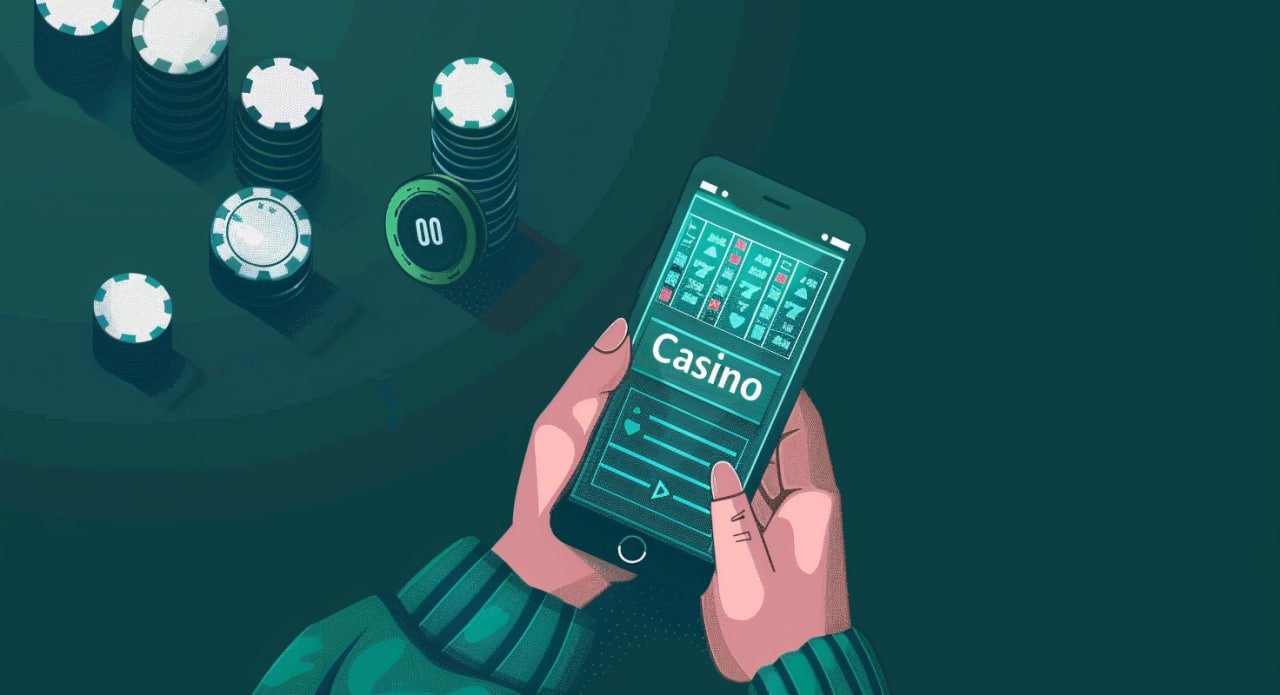
The full tg776 experience — live casino, slots, sports betting, eBingo, poker, and esports — available as a dedicated mobile app for Android and as an optimised web experience for iOS. One account, one balance, everything you need on your phone.

Android
APK Direct Download
  • Android 6.0 and above
  • All game categories
  • Push notifications
  • Fast APK install
Register to Download APK
iOS / iPhone
Mobile Browser + Home Screen
  • iOS 13 and above
  • Full platform access
  • Add to Home Screen
  • No App Store needed
Register to Get Started
tg776
tg776

Why Use the tg776 Mobile App?

Most Filipinos access the internet primarily through their phones — whether it's commuting on the MRT in Manila, a break at the office in Makati, or relaxing at home in Cebu or Davao. The tg776 mobile app and mobile-optimised site are designed around that reality, not as an afterthought.

The Android APK is a native app built for performance on Philippine Android devices — which account for the majority of smartphones in the country. It's lighter on mobile data usage than a full desktop browser session, launches faster from your home screen, and keeps you logged in so you don't have to re-enter your credentials every time. Push notifications let you know when your sports bets settle, when new game releases go live, or when there's an update to your account.

For iPhone users, the tg776 platform is fully functional in Safari and other iOS browsers. While Apple's app distribution policies mean a dedicated App Store version isn't available, adding the tg776 site to your iPhone's Home Screen gives you a near-identical experience — it opens like an app without the browser interface and with fast access from your lock screen.

The tg776 app is optimised for mobile data connections common in the Philippines. Live casino streams and game loads are compressed for 4G/5G usage without sacrificing quality.

How to Install the tg776 App

Step-by-step installation instructions for both Android and iPhone. Both methods take just a few minutes.

Android Installation

Before you start: The tg776 APK is distributed directly — not through the Google Play Store. You'll need to enable installation from unknown sources in your Android settings. This is a standard step for many gaming and streaming apps in the Philippines.

1

Create or Log In to Your Account

Register a tg776 account at the Register page or log in at the Login page. Your download link will be available in your account dashboard once you're signed in.

2

Download the APK File

Navigate to the Download section in your account and tap the Android APK download button. The file will save to your phone's Downloads folder. It's a small file — typically under 30MB — so it downloads quickly even on mobile data.

3

Enable Unknown Sources

Go to Settings → Security → Install Unknown Apps (exact path varies slightly by Android version). Select your browser or file manager and toggle "Allow from this source." This lets your phone install apps from outside the Play Store.

4

Install and Open the App

Open your Downloads folder, tap the tg776 APK file, and confirm the installation. The app will install within seconds. Once done, open it from your home screen — you'll see the tg776 login screen ready to go.

5

Log In and Start Playing

Enter your tg776 username and password. Your account balance, VIP status, and full game lobby are all accessible immediately. The app will stay logged in for future sessions.

iPhone / iOS Setup

For iPhone users: Apple's platform policies restrict third-party app installs outside the App Store. The recommended approach is using Safari to access tg776.net and adding it to your Home Screen — this creates an app shortcut that works just like a native app.

1

Open Safari on Your iPhone

Open the Safari browser on your iPhone or iPad. While other browsers like Chrome work too, Safari provides the smoothest "Add to Home Screen" experience on iOS.

2

Go to tg776.net

Type tg776.net in the Safari address bar and navigate to the site. The mobile version loads automatically, optimised for your iPhone's screen size with touch-friendly controls throughout.

3

Tap Share, Then "Add to Home Screen"

Tap the Share button at the bottom of Safari (the square with an arrow pointing up). Scroll through the options and tap "Add to Home Screen". Give it a name and tap Add to confirm.

4

Launch from Your Home Screen

The tg776 icon now appears on your iPhone home screen. Tapping it opens the platform full-screen without the browser toolbar, giving you a clean app-style experience with your full game library accessible immediately.

5

Register or Log In

If you're new, register your account directly in the app. Existing players can log in with their credentials. Your full account — balance, VIP status, game history — is all synced across devices.

Everything You Get Inside the tg776 App

The tg776 app isn't a stripped-down version of the platform — it's the full experience, built to work well on a phone screen. Every game category available on the desktop site is accessible in the app: live casino with real dealers, the full slots library, sports betting markets with live in-play odds, eBingo rooms, poker tables, and esports betting.

Account management works completely within the app. You can check your balance, initiate deposits using Philippine online banking or local e-wallets, request withdrawals directly to your bank account or GCash/Maya, review transaction history, and update your account details — all without switching to a browser.

Security features are fully active in the app too. SSL encryption covers every session, OTP verification protects your login and account changes, and KYC verification can be completed directly through the app for withdrawal eligibility. For VIP members, the dedicated account manager contact is also accessible through the app's support interface.

Android app users get push notifications for sports bet settlements, new game releases, and important account updates — useful for staying on top of live betting events without keeping the app open.

tg776

Key Features of the tg776 Mobile App

Built for Filipino players who game primarily on their phones — every feature is designed for comfort on a mobile screen.

Fast Launch and Load Times

The app is optimised to launch quickly and load games without long waits. Live casino streams start within a few seconds even on a standard Philippine 4G connection.

SSL Security and OTP Login

Every session is protected by SSL encryption. OTP verification adds a second layer to your login, ensuring only you can access your tg776 account from the app.

Full Game Library Access

Every game in the tg776 Game Lobby — over 1,200 titles across six categories — is accessible from the app. No content is restricted to desktop-only access.

PHP Deposits and Withdrawals

Manage your balance entirely in Philippine Peso. Deposit via online banking or local e-wallets and withdraw directly to your Philippine bank account from inside the app.

Push Notifications (Android)

Get notified when your bets settle, when live events are about to start, and when new games launch. Useful for sports bettors tracking PBA and NBA game results.

Free App Updates

Updates to the tg776 Android APK are free and delivered through your account. When a new version is available, you'll be prompted to download and install it with a single tap.

App vs Browser – Which Should You Use?

Both the tg776 Android app and the mobile browser version give you full access to the platform. Here's a quick comparison to help you decide which works best for how you play.

Feature Android App Mobile Browser
Game Access ✓ Full library ✓ Full library
Home Screen Shortcut ✓ Native app icon Add to Home Screen
Push Notifications ✓ Full push support Browser alerts only
Session Persistence ✓ Stays logged in Depends on browser
Data Efficiency ✓ Optimised APK Standard browser loading
iOS Support Android only ✓ iOS + Android
Account Management ✓ Full in-app ✓ Full in-browser
Deposits and Withdrawals ✓ PHP, local e-wallets ✓ PHP, local e-wallets

Android app recommended for daily players; browser version ideal for iOS users and occasional access from any device.

tg776

Download FAQs

Common questions about installing and using the tg776 mobile app in the Philippines.

Yes. The tg776 APK is distributed directly through the official platform — you access the download link after logging in to your verified tg776 account. This is a common distribution method for gaming apps in the Philippines that aren't listed on the Google Play Store. The APK contains only the tg776 app. The "unknown sources" setting you enable is a standard Android security step required for any app installed outside the Play Store, and can be disabled again after installation if you prefer.

Google Play and the Apple App Store have restrictions on real-money gaming apps that vary by market and platform policies. Many online gaming platforms in the Philippines distribute their Android apps via direct APK download for this reason. The tg776 APK gives you the same native app experience — it just comes from a direct download rather than a store listing. For iOS, the mobile browser version in Safari provides a fully featured experience that can be saved to your home screen for app-like access.

Yes — the tg776 APK download link is accessible after you register and log in to your account. This is standard practice for direct-distribution gaming apps in the Philippines. Registration is free and takes just a few minutes at the Register page. Once your account is set up and your mobile number is verified with an OTP, the download link will be available in your account dashboard.

Data usage varies by game type. Slot games and sports betting use relatively little data — a typical session is comparable to browsing social media. Live casino streaming uses more data since you're watching a continuous HD video feed of the dealer table. The app is designed to adapt stream quality based on your connection strength, so on a slower connection it will reduce video quality automatically to maintain smooth playback rather than buffering. For heavy live casino use on mobile data, a 4G or 5G connection is recommended.

Yes. Your tg776 account works across all access methods — the Android app, iOS browser, mobile browser on any device, and desktop browser. Your balance, game history, VIP status, and account settings are all synced in real time. You can start a betting session on your phone during your lunch break in Makati and check the same account on a desktop later. There's no need for separate accounts per device.

When a new version of the tg776 app is available, you'll see an update prompt the next time you open the app, or you'll receive a push notification. Tapping the update prompt takes you to the download screen where you can get the latest APK. The installation process is the same as the initial install — download, open the file, confirm the installation. Your account and settings are preserved across updates. You can also check the Download section of your account at any time to see if there's a newer version available.
21+

Mobile Access Makes Gaming More Convenient — Not Less Responsible

Having tg776 on your phone means the platform is always within reach. That convenience is great for entertainment, but it also means it's easy to play more than you intended. Set a session budget before you open the app, use the account limit tools available in your tg776 profile, and take regular breaks — even short ones. All games on tg776 involve financial risk with no guaranteed returns. The app is for players aged 21 and above only. If you feel your gaming habits are becoming difficult to control, the tools and resources on our Responsible Gaming page are there to help.